

Slots
92%Check the provider rule panel for paytable, feature symbols and round behaviour before you settle into…
Dead or Alive, Baccarat, Aviator and Fishing War sit beside our sportsbook, with UPI, Paytm, PhonePe and Google Pay shown before you open your wallet.
The lobby is casino and slots first, with live tables and quick arcade rounds close behind.
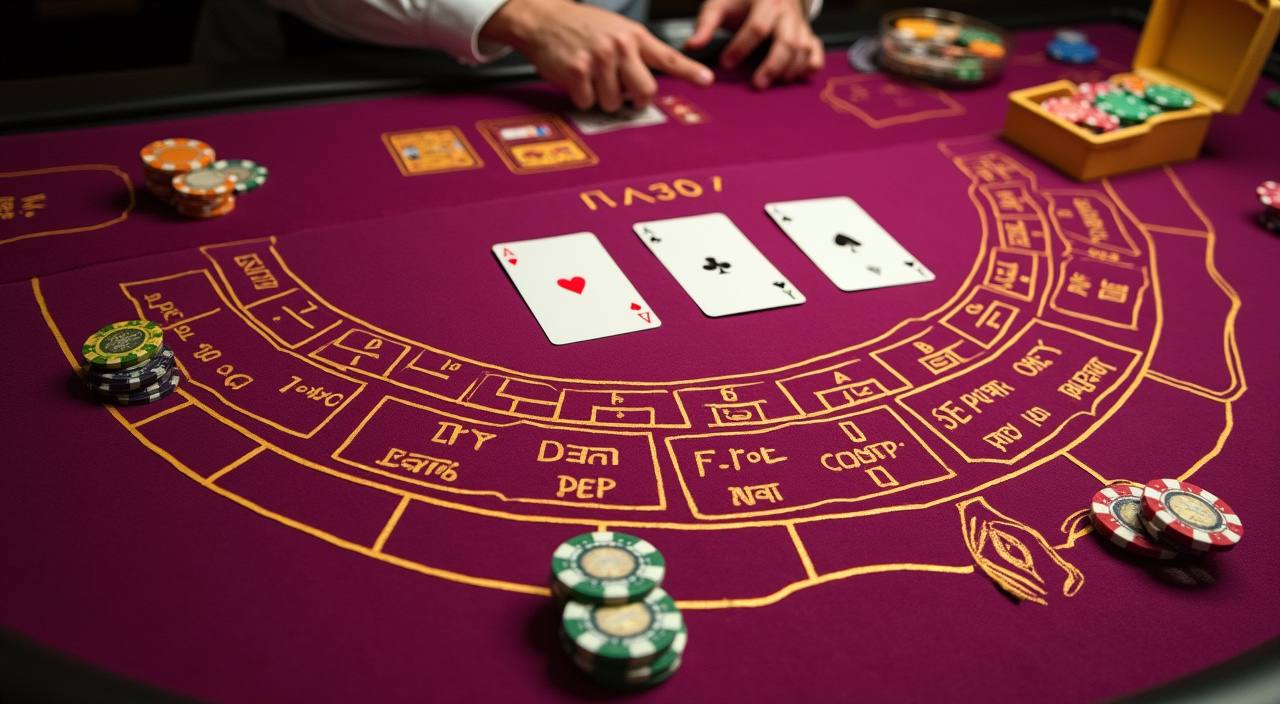
See slots, live tables, crash rooms and account tools arranged so you can move quickly from browsing to your account area.
Pragmatic Play, PG Soft and Habanero sit beside familiar Asian studios, giving you recognisable slots, tables and arcade titles.


Explore promotions across slots, live dealer and fishing games. Terms apply.
Open account
Member promotions for football, esports and live in-play markets. Terms apply.
Open accountYour wallet should match how you already pay online in India. We show local options before you confirm an action, including UPI, Paytm, PhonePe and Google…
Create your free account in under a minute.
Top up with your preferred local payment method.
Pick from slots, live casino, sports and more.
Enjoy fair play with instant results.
Cash out quickly to your account.
Once you know the lobby layout, the next useful step is choosing where to spend time.

Your first few minutes should feel clear: create your account, confirm the details we ask for, then scan the lobby before adding funds.
Support should be close to the action, especially when a wallet confirmation or account check is pending. We keep three clear routes available from the home page and account menu.
Most account actions fit naturally on a phone: lobby browsing, wallet checks, chat and quick game launches.
Seamless on phone, tablet and desktop — no download required to start.

Safety starts with account control. We protect sign-in, watch for unusual wallet actions and ask for checks when details do not match.
Use a password that is not shared elsewhere, and update it if you notice unfamiliar activity. We add checks when account behaviour changes suddenly.
Withdrawals work faster when your account name and wallet details match. If something needs confirmation, the account area shows the pending step.
The mobile layout keeps sign-out, wallet and help controls close together. That makes it easier to end a session on shared networks.
Provider screens show rules, result history where available and game-specific details. Read them before you choose a slot, table or arcade room.
Finding games through random links can leave you unsure which page controls your account, wallet or support request.
| One account route | Instead of opening several unrelated pages, you start from one account path. Your wallet, profile checks and lobby history stay connected. |
|---|---|
| Visible game categories | Slots, live casino, table games and arcade rooms are separated on the home page, so you can choose by format rather than guess from banners. |
| Local wallet context | UPI, Paytm, PhonePe and Google Pay labels appear where wallet actions happen. You see the channel before you confirm a transfer. |
| Support beside account | When you need help, contact routes sit near your profile and wallet. That saves time compared with searching through scattered links. |
| Game rules nearby | Provider rooms carry their own rules and round details. We keep category access clear so you can reach those screens without extra clicks. |
| Return path clear | The home page gives you a consistent place to come back to after a slot, table, wallet check or support conversation. |
Different game types explain results in different ways. Slot rooms usually show rules and feature details inside the provider screen. Live tables show streamed outcomes and table rules.
Check the provider rule panel for paytable, feature symbols and round behaviour before you settle into…
Table limits, stream status and game pace are shown before entry, helping you pick a table…
Roulette rooms display table style and available bet areas inside the live interface, with outcomes shown…
Crash rounds depend on timing and multiplier display.

Fishing rooms use arcade targets and weapon settings, so check the controls and cost per action…
RTP percentages are informational reference values from provider documentation. Actual session outcomes vary.
We shape the home page for India with local wallet names, INR account expectations and mobile-first browsing. Access can vary by state, network and local law, so availability is not the same everywhere. Where local law permits, you can open the lobby, check supported payment choices and complete account steps. If the service is not available from your location, the site may limit access or show fewer actions.
The brand is easier to judge when you can point to real details.
Live Baccarat is placed where table fans can find it quickly, with stream status and table details handled inside the provider room.
Slot rooms such as Dead or Alive and Sweet Bonanza sit near the front of the lobby because they are easy to browse on mobile.
Crash and arcade rooms are grouped together, letting you move from Aviator to Football Strike without scanning every casino category.
Wallet screens show the local channel you selected and the confirmation state, reducing confusion when your bank app takes a moment.
If a profile check is needed, we show it in the account area instead of leaving you to guess why a withdrawal is waiting.
Chat and email routes are kept close to the account menu, so you can contact us while the issue is still fresh.
These answers cover the questions we expect you to ask from the home page: how to open an account, what games are visible, how local payments work and where to get help. If your situation depends on location, access applies only where local law permits.
Start from the home page whenever you are unsure where to go next. The lobby tiles take you to game categories, the wallet area handles local transfers, and…
Choose Slots, Live Casino, Table Games, Arcade or Fishing from the home layout.
Before trying Aviator, Fishing War or a new slot, open the provider rule panel.
After a transfer, return to the wallet screen for confirmation.
When contacting us, include your account email, payment channel and visible reference.